Does eSIM Drain Your Battery Faster, Myth or Reality
eSIM Guides · · 8 min read · By AirCarta Team
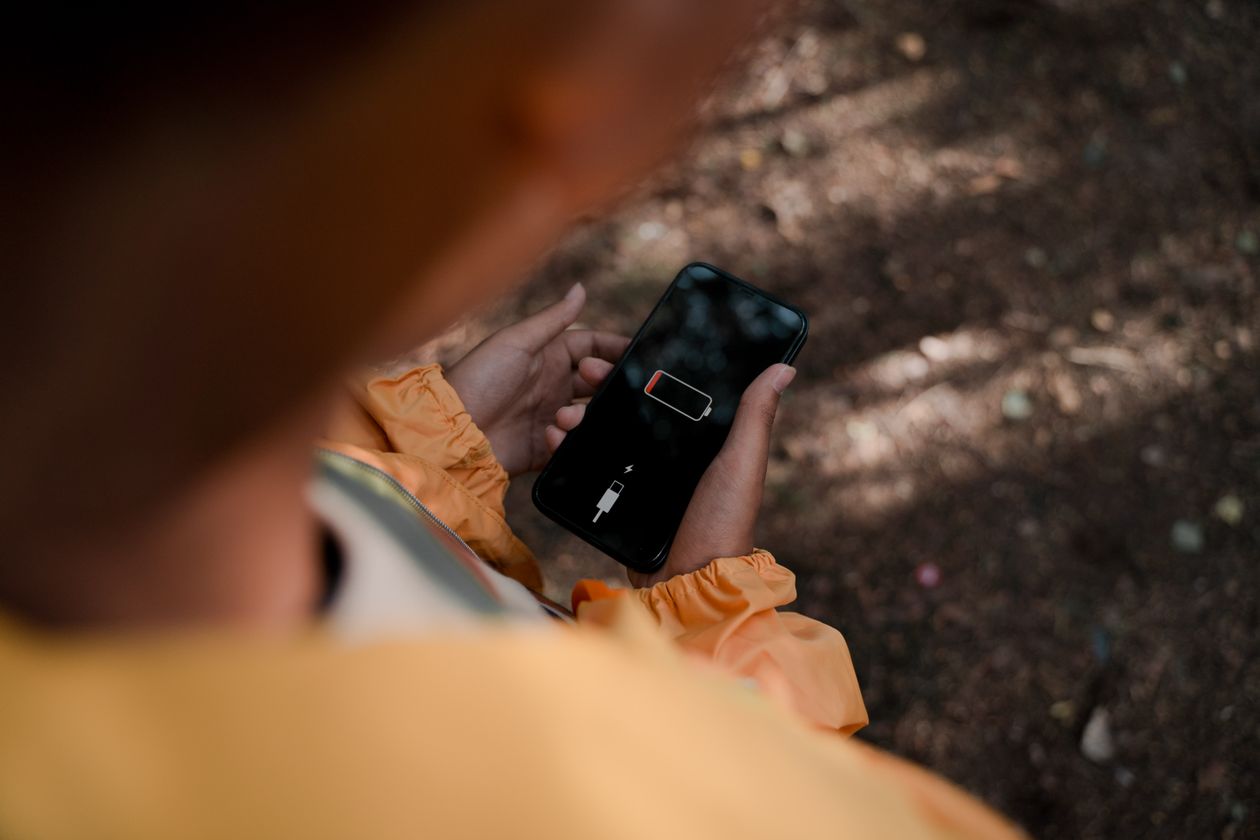
Somewhere between "eSIMs are the future" and "my phone died by 3pm on my last trip," a rumor took hold: that switching to an eSIM quietly drains your battery faster than a physical SIM ever did. It's one of the most common questions people search before their first eSIM trip, and it's worth answering properly instead of just saying no and moving on.
Quick answer: no, the eSIM chip itself does not use more power than a physical SIM. It's a tiny, low-power component soldered to the motherboard, and on a pure hardware level it's arguably more efficient than the mechanical tray a physical SIM needs. The battery drain people actually notice comes from something else entirely: running two active mobile connections at once, and a home SIM that never stops hunting for a network it can't find abroad.
Here's what's actually going on.
🔋 What an eSIM Actually Is, Power-Wise
An eSIM is a small chip embedded directly into your phone's circuitry rather than a removable plastic card. It stores the same kind of profile data a physical SIM does and talks to your phone's modem in exactly the same way. There's no extra antenna, no separate radio, and no additional process running in the background once a profile is installed. The eSIM app you used to install it isn't doing anything after setup either, it's not a background process quietly sipping power.
Multiple independent teardown and engineering write-ups on this converge on the same point: the difference in power draw between an eSIM chip and a physical SIM card is negligible to the point of being unmeasurable in everyday use. The battery complaints people report are real, they're just aimed at the wrong culprit.
📡 The Actual Cause: Two Active Connections at Once
Here's what's really happening. Most phones that support eSIM also support Dual SIM Dual Standby, meaning your home SIM and your travel eSIM can both stay active simultaneously, one for calls and texts, one for data. That's genuinely useful, but it means your phone's modem is maintaining two live network connections instead of one, and that constant juggling is where the extra power draw actually comes from.
A simple way to check: look at your status bar. If you see two separate signal strength icons, both lines are active and both are drawing power.
🌍 The Bigger Culprit: Your Home SIM Hunting for Signal
This is the part almost nobody mentions, and it's usually the single biggest factor. When you travel abroad and leave your home SIM active, it's outside its native network. If it isn't automatically connecting to a roaming partner, your phone's modem keeps searching, repeatedly, in the background, trying to find a signal that may not be there. That repeated searching is aggressive on battery life, and it has nothing to do with the eSIM, it's the leftover home SIM doing the damage.
Weak signal generally makes this worse regardless of SIM type. Whether it's an eSIM or a physical SIM, a phone working hard to hold onto one bar of signal burns noticeably more power than one sitting on a strong connection.
✅ Myth vs Reality, Side by Side
| Claim | Myth or Reality |
|---|---|
| The eSIM chip itself uses more power than a physical SIM | Myth, negligible difference |
| Running two active SIMs at once uses more battery | Reality, this is the real cause |
| An idle home SIM searching for signal abroad drains battery | Reality, often the biggest factor |
| The eSIM provider's app keeps running and draining power | Myth, it's inactive once the profile is installed |
| Switching between multiple eSIM profiles drains battery | Myth, switching itself is a brief event, not ongoing drain |
| Weak signal drains battery faster | Reality, true for any SIM, not eSIM-specific |
🔧 How to Actually Save Battery While Using an eSIM Abroad

4G/5G data from $3.50, instant email delivery
Same battery performance as your home SIM, nothing extra
What Travelers Say
"Was worried about battery before my trip. Turned off roaming on my home line and kept AirCarta as the data line, phone lasted the same as it does at home."
- Renata, Portugal, June 2026
"Support actually explained the dual SIM setting to me instead of just saying 'try restarting.' Fixed it in five minutes."
- Owen, Ireland, May 2026
❓ Frequently Asked Questions
Does installing an eSIM use more battery than a physical SIM?
No. The eSIM chip itself draws a negligible amount of power, comparable to or lower than a physical SIM, since there's no mechanical tray involved. Installing a profile is a brief one-time event, not an ongoing drain.Why does my phone's battery drop faster when I travel, then?
Almost always one of two reasons: your phone is running two active SIM connections at once, or your home SIM is left active outside its network and repeatedly searching for a signal it can't find. Neither of these is caused by the eSIM itself.Should I turn off my home SIM while using a travel eSIM?
If you don't need calls or texts on your home number, turning it off entirely is the simplest fix. If you want to keep receiving calls or bank verification codes, turn off just its data roaming and leave calls and SMS active.Does having multiple eSIM profiles installed drain battery even if I'm not using them?
No. An installed but inactive eSIM profile sits dormant and doesn't draw meaningful power. Only the actively connected line affects battery life.Does the eSIM provider's app run in the background and drain battery?
No. Once your eSIM profile is installed and activated in your phone's settings, the provider's app isn't required to run in the background to keep the connection working.Is this different on iPhone versus Android?
The underlying principle is the same across both: it's dual-connection management and signal-hunting that affects battery, not the SIM format. Specific battery behavior can vary by phone model and software version, so check your device's battery usage breakdown if you want the specifics for your phone.✈️ Final Thoughts
The eSIM isn't the battery villain it gets blamed for. The real drain comes from asking your phone to maintain two live connections at once, or from a forgotten home SIM endlessly searching for a network on the other side of the world. Turn off what you don't need, let your eSIM handle data, and your battery will behave exactly like it does at home.
Browse AirCarta's eSIM plans → Instant delivery, no passport, no battery surprises.